Team
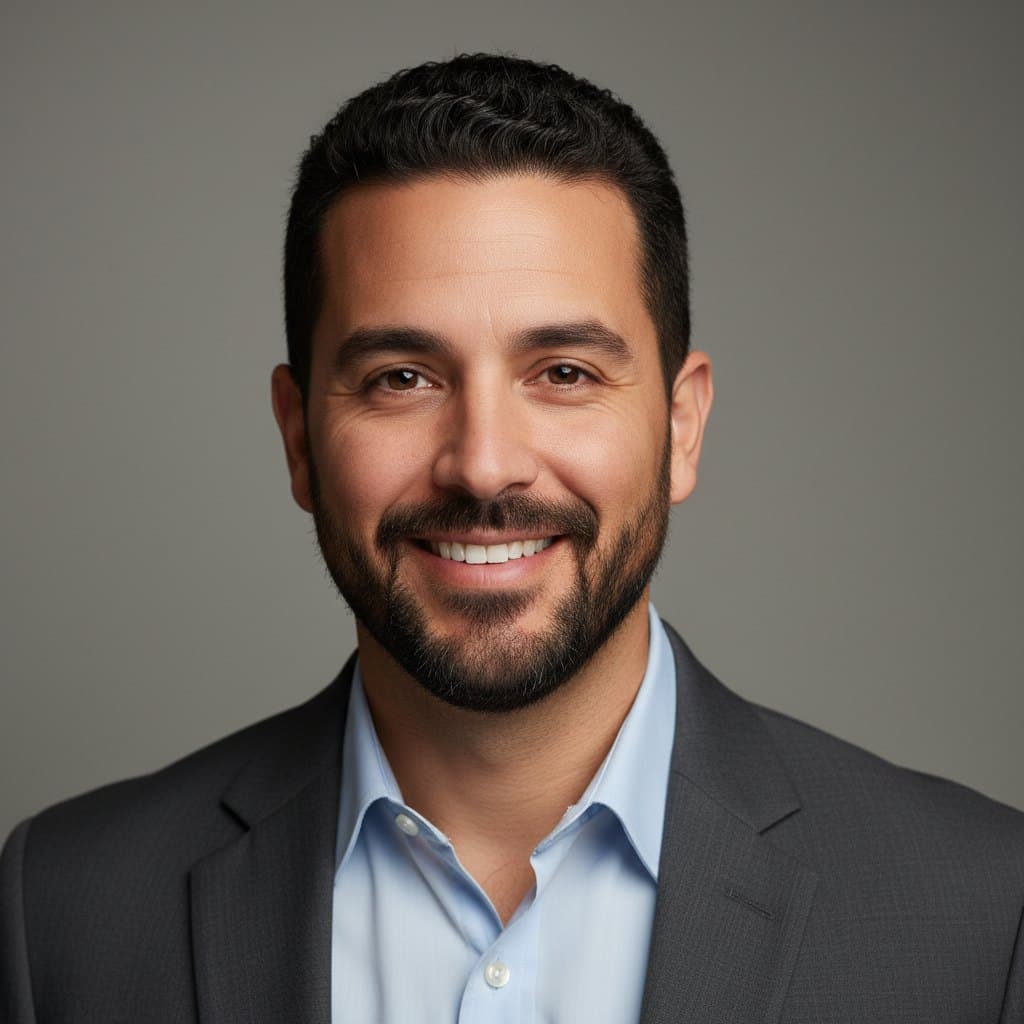
Adrian Reyes
Microphone & Audio Troubleshooting Lead, DevicePrep
Writes and maintains DevicePrep's microphone troubleshooting guides, covering OS permissions, device routing, Bluetooth mic profiles, and browser-level audio diagnostics across Zoom, Teams, and Google Meet.
Adrian Reyes leads microphone and audio troubleshooting at DevicePrep. He writes the guides people follow when their mic isn't working in Zoom, Teams, or Google Meet—and he maintains the Mic Test, Background Noise Test, Mic Clipping Test, and Echo Test tools that let users verify their audio before a call starts.
Adrian's focus is narrow by design: microphone issues. He covers OS-level microphone permissions on Windows, macOS, and mobile, browser-specific mic access prompts in Chrome, Firefox, Safari, and Edge, Bluetooth microphone profile switching (A2DP vs. HFP/HSP), USB mic power and enumeration problems, and the input gain and routing settings inside Zoom, Teams, and Meet that silently misdirect audio.
Before DevicePrep, Adrian spent years in enterprise AV support where diagnosing microphone failures was a daily task. He handled conference-room mic arrays, USB headset deployments across hundreds of remote employees, and the edge cases that waste the most time: mics that pass a system test but fail inside a meeting app, Bluetooth headsets that drop to mono hands-free mode mid-call, and browser tabs that silently hold exclusive mic access.
That hands-on experience shapes how he writes. Every microphone guide on DevicePrep starts with a live verification step using the Mic Test, isolates whether the problem is hardware, OS, browser, or app, and ends with a way to confirm the fix is real. Adrian's standard is that a reader should never finish a guide wondering whether their mic actually works now.
He also tracks how microphone behavior changes across OS updates, browser releases, and meeting app UI refreshes. When Windows 11 moved its mic privacy toggles, or when Zoom changed its audio device picker, Adrian updated the affected guides within days so the steps matched what people actually see on screen.
Adrian's editorial principle for audio content is specificity: naming the exact settings, toggles, and menus rather than saying 'check your audio settings.' He believes microphone troubleshooting fails when guides are vague, because the difference between a working mic and a silent one is usually a single toggle buried three menus deep.
Editorial & trust
We aim to keep DevicePrep guides accurate and people-first as OS and app settings change. Read the editorial policy for how updates and corrections are handled.